

Voice-to-voice simultaneous translation, live.
WebSwitcher speaks for you in your audience’s language and streams live translated captions into Zoom and Microsoft Teams — from a single device. No second phone, no interpreter booth, no waiting.
Works where your meetings already happen
Hear the difference.
Real-time voice-to-voice interpretation. Press play to listen.
Drag the slider left for the original voice, right for the translation — best with headphones.
Demonstration excerpts (approx. 3 minutes) from publicly held events.
Everything, in real time
One session, one device, every language in the room — spoken and captioned as you talk.
Voice-to-voice, live
Your words come out in your audience’s language in a natural voice, with only a moment’s delay.
Simultaneous captions
Real-time translated subtitles as you speak — no waiting for the sentence to finish.
Into Zoom & Teams channels
The translated voice is piped into your meeting’s interpretation channels — participants pick their language and listen.
One device, nothing extra
No companion app, no second phone, no interpreter on the call. It runs on the device you’re already using.
Broadcast-ready .vtt
Export original or translated captions as standard .vtt files for webcasters and live events.
Any language pair
Present in your language while every listener follows in theirs — switch pairs on the fly.
About us
We are specialists in simultaneous interpretation since 1998. Our work is research-based, grounded in real-world experience and quality, turn-key systems. We pipe the interpretation straight into Zoom or Microsoft Teams — or to traditional infrared and radio-frequency receivers on site. Whatever your event, you are in good hands.
How it works
Connect the channels
WebSwitcher pipes straight into the interpretation channels of your Zoom or Microsoft Teams meeting — no extra app for participants.
Speak
Speak normally in your own language. WebSwitcher translates your voice in real time.
Everyone hears their language
The translated voice feeds each language channel — every participant just selects their language and listens, with live captions too.
Your conversations stay yours
Serious protection, by default.
Encrypted in transit
Every connection and stream is protected with TLS 1.3 and AES-256 encryption.
Nothing recorded
Your audio is translated live and never stored or recorded.
Never used to train AI
Your content is never sold, shared, or used to train AI models.
Live captions, in every language, straight to your stream.
Feed original or translated captions to your streaming stack as timed, broadcast-standard .vtt. Give every viewer subtitles in their own language, live.
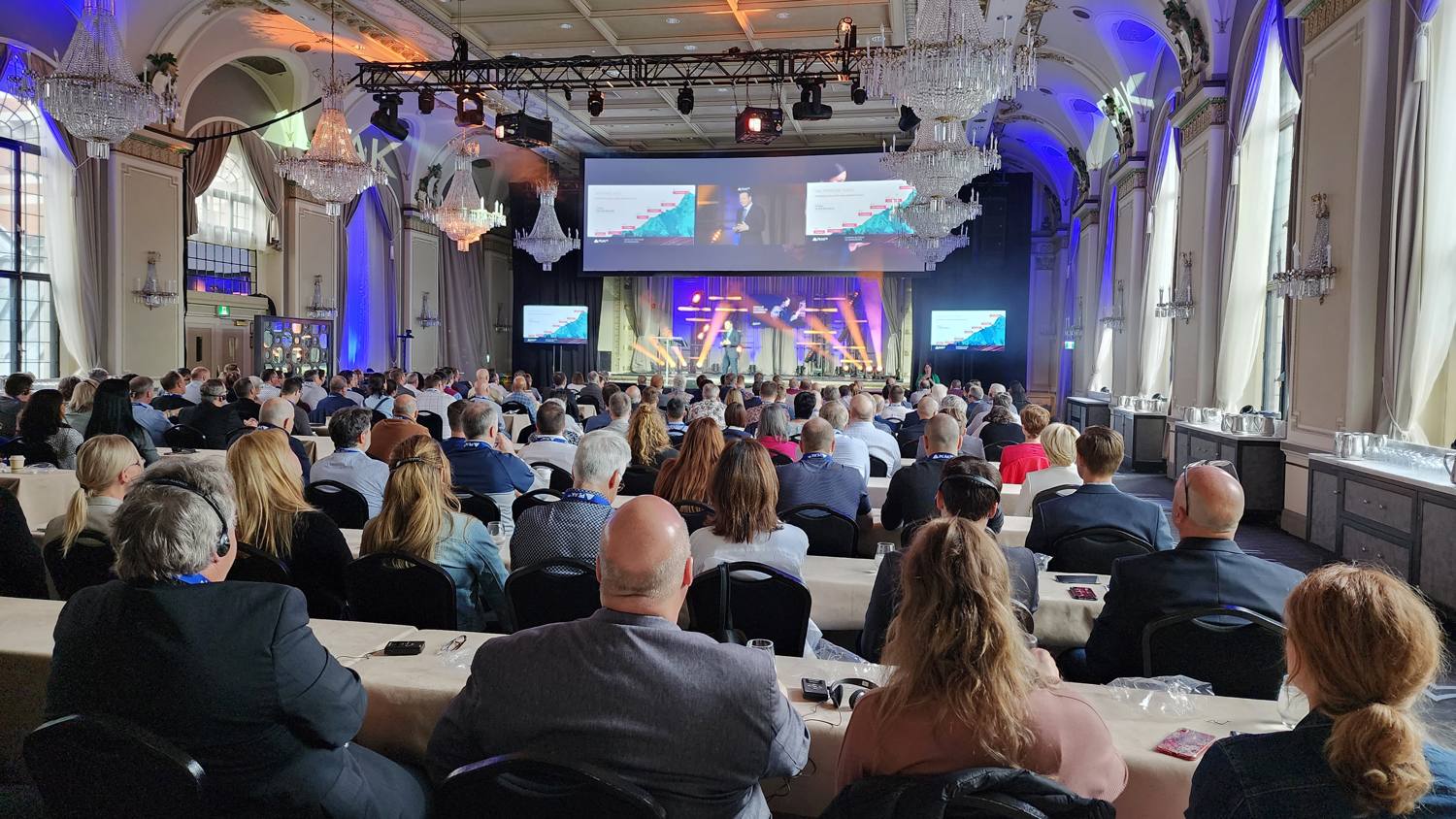
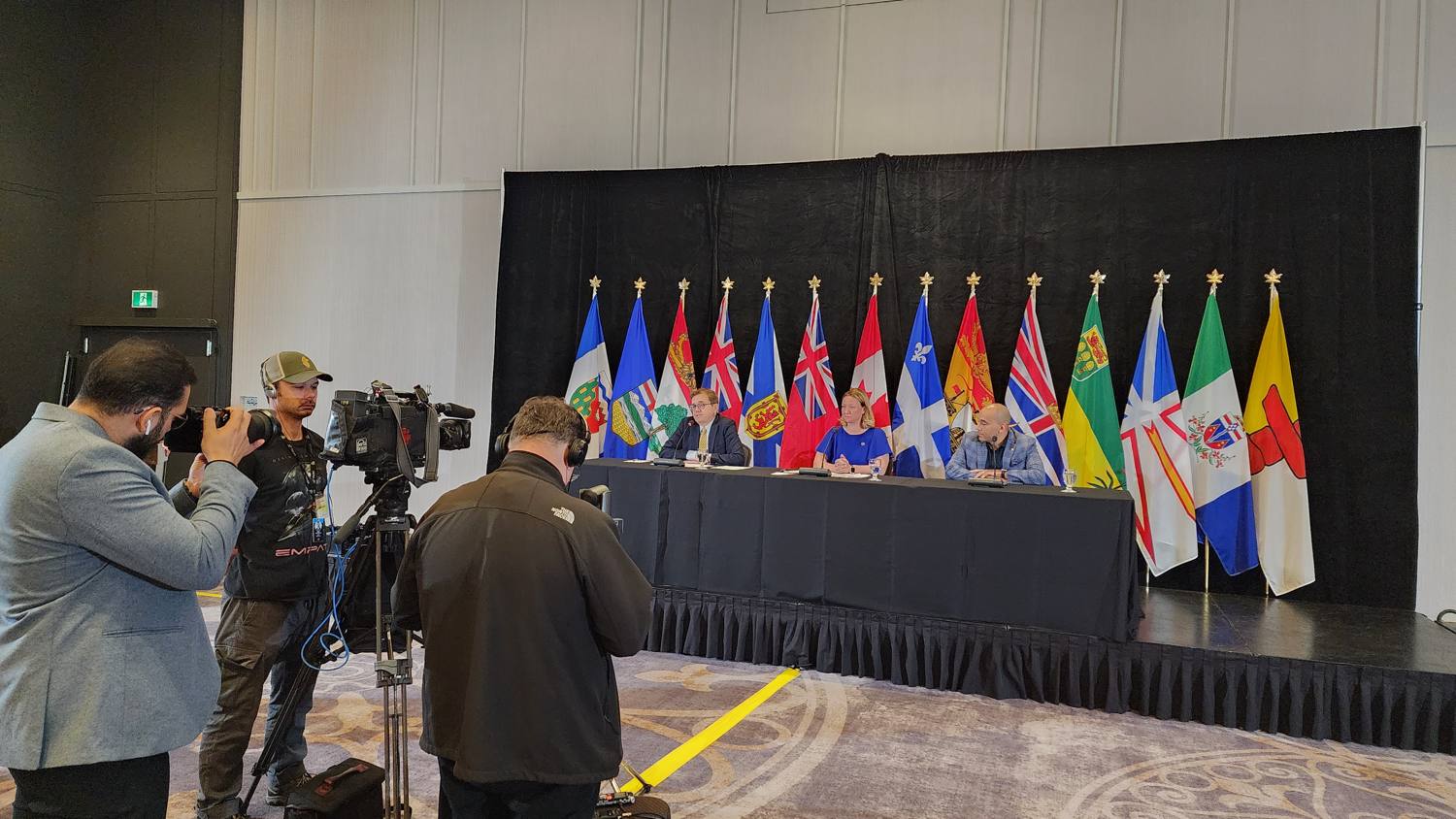
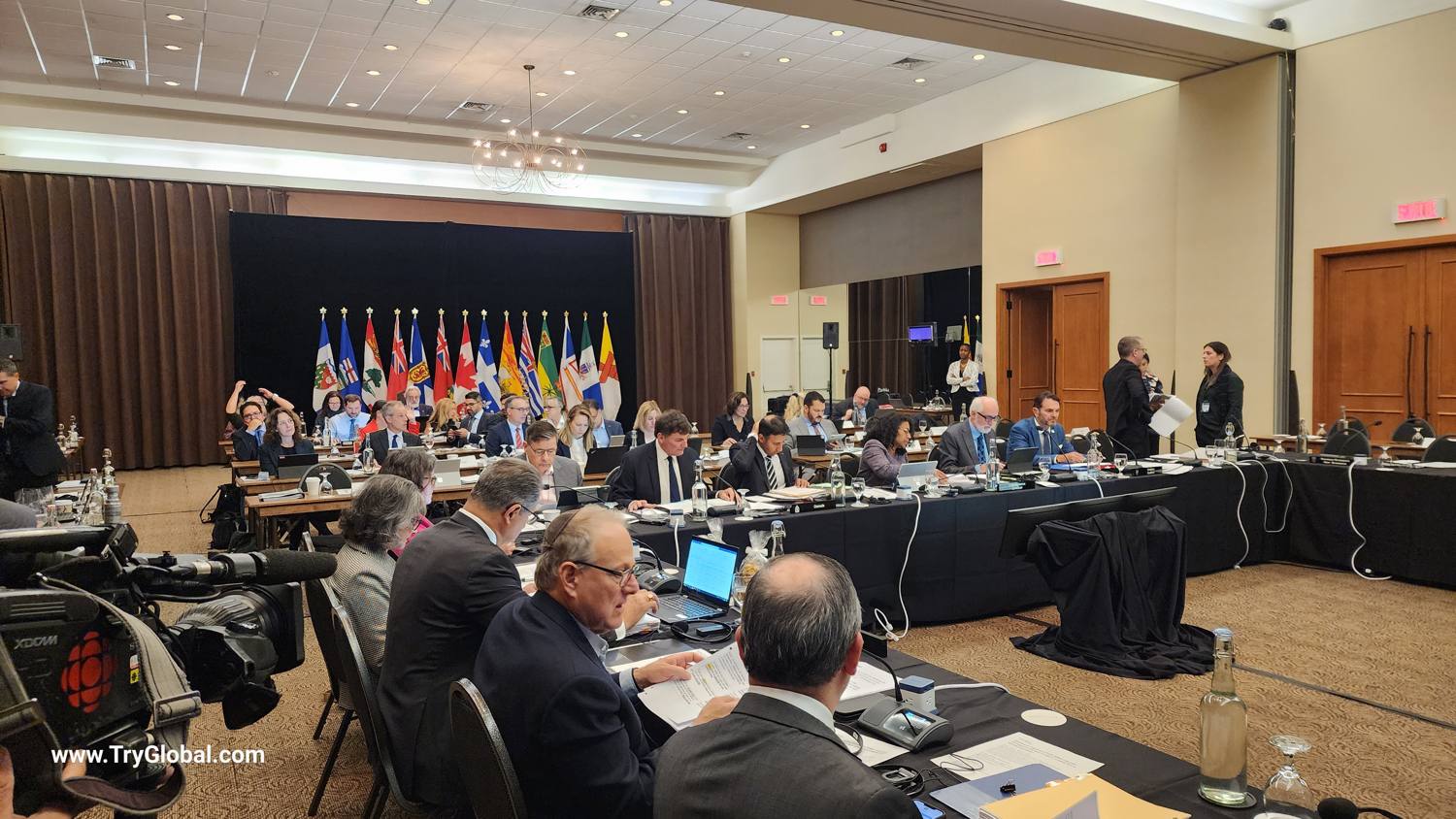
Trusted at live, multilingual events
Conferences, press briefings, and intergovernmental meetings — interpreted and broadcast in real time.
Everything your multilingual event needs
From live translation to the cameras, screens, and streaming behind it.
Live AI interpretation
Real-time voice-to-voice translation and live captions, piped straight into your Zoom or Microsoft Teams channels. This is WebSwitcher.
See how it worksHybrid & virtual meeting production
Book your hybrid or virtual meeting with us as a full turnkey service — professional audio-visual supplied and supported by TryGlobal, from setup and cameras to screens and live streaming.
Projection screen size calculator
Enter any one — diagonal, width or height — and the other two fill in automatically for a 16:9 screen.
Aspect ratio 16:9
Ready to switch languages, live?
Tell us about your meetings or events and we’ll set up a live session on your platform.